> For the complete documentation index, see [llms.txt](https://readme.dhee.ai/llms.txt). Markdown versions of documentation pages are available by appending `.md` to page URLs; this page is available as [Markdown](https://readme.dhee.ai/the-social-desk/whatsapp/customer-chat.md).
# Customer Chat
We can communicate with the prospects in a real-time manner just by selecting a template from the drop down list, enter or the select a number and you are good to go!!
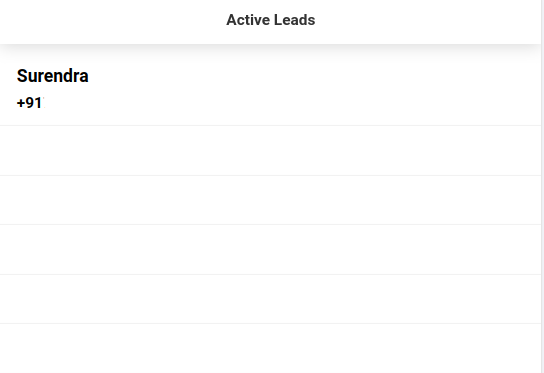
On the left side of the window, we have active leads table showing all the prospects for the current day.
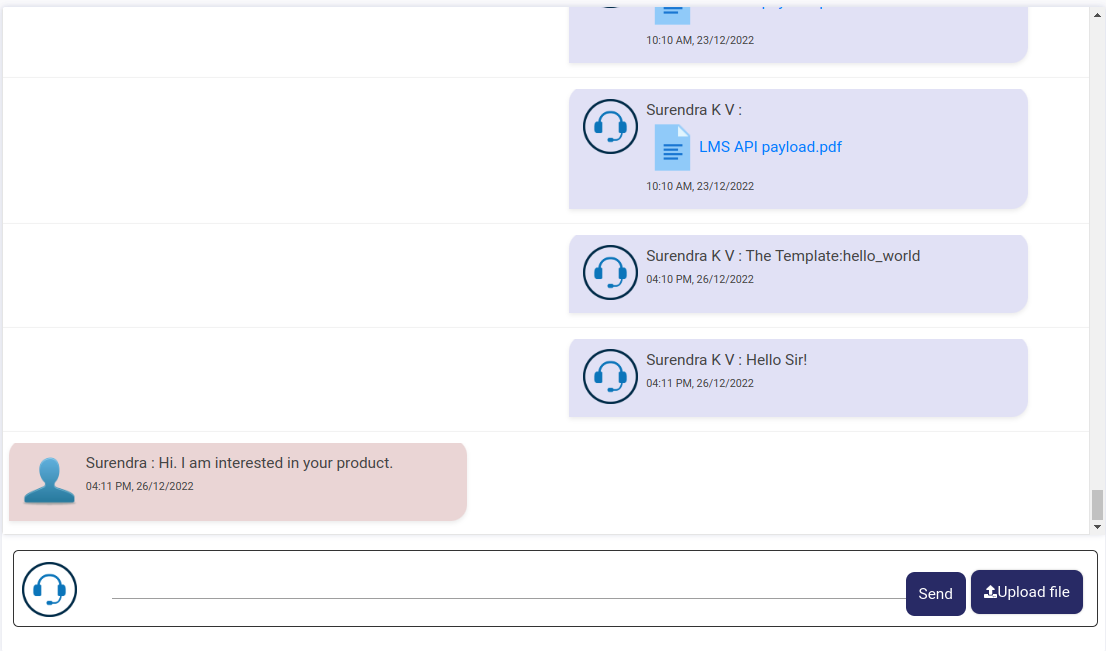
Similar on the right side, we can view the conversation of a particular prospect of the day...